GPU Pipelines with GExecution
When you need to run multiple GPU programs in sequence, sharing data between them, GExecution provides a composable way to build GPU pipelines. The big benefit is that those pipelines, even highly complex ones, are materialized as one on the GPU and will synchronize and pass data without any operations on the CPU side. This greatly improves performance of computations.
What is GExecution?
GExecution represents a sequence of GPU operations that can be composed together. It's a monadic abstraction that allows you to:
- Chain multiple
GPrograms together - Share buffers between pipeline stages
- Transform parameters and layouts between programs
Every GProgram is also a GExecution, making them directly composable.
Building a Simple Pipeline
Let's build a pipeline that doubles values and then adds a constant:
import io.computenode.cyfra.core.{GBufferRegion, GExecution, GProgram}
import io.computenode.cyfra.core.GProgram.StaticDispatch
import io.computenode.cyfra.core.layout.Layout
import io.computenode.cyfra.dsl.{*, given}
import io.computenode.cyfra.runtime.VkCyfraRuntime

// Step 1: Define individual programs

case class DoubleLayout(input: GBuffer[Float32], output: GBuffer[Float32]) derives Layout

val doubleProgram: GProgram[Int, DoubleLayout] = GProgram[Int, DoubleLayout](
  layout = size => DoubleLayout(
    input = GBuffer[Float32](size),
    output = GBuffer[Float32](size)
  ),
  dispatch = (_, size) => StaticDispatch(((size + 255) / 256, 1, 1)),
  workgroupSize = (256, 1, 1),
): layout =>
  val idx = GIO.invocationId
  GIO.when(idx < 256):
    val value = GIO.read(layout.input, idx)
    GIO.write(layout.output, idx, value * 2.0f)

case class SumParams(value: Float32) extends GStruct[SumParams]
case class SumLayout(
  input: GBuffer[Float32],
  output: GBuffer[Float32],
  params: GUniform[AddParams]
) derives Layout

val sumProgram: GProgram[Int, SumLayout] = GProgram[Int, SumLayout](
  layout = size => SumLayout(
    input = GBuffer[Float32](size),
    output = GBuffer[Float32](size),
    params = GUniform[SumParams]()
  ),
  dispatch = (_, size) => StaticDispatch(((size + 255) / 256, 1, 1)),
  workgroupSize = (256, 1, 1),
): layout =>
  val idx = GIO.invocationId
  GIO.when(idx < 256):
    val value = GIO.read(layout.input, idx)
    val addValue = layout.params.read.value
    GIO.write(layout.output, idx, value + addValue)
Composing Programs with addProgram
The key to building pipelines is the addProgram method. It takes:
- A program to add to the execution
- A function to map pipeline parameters to program parameters
- A function to map the pipeline layout to the program's layout
// Step 2: Define the combined pipeline layout
case class PipelineLayout(
  input: GBuffer[Float32],
  doubled: GBuffer[Float32],   // Intermediate buffer
  output: GBuffer[Float32],
  sumParams: GUniform[SumParams]
) derives Layout

// Step 3: Compose the pipeline
val doubleAndAddPipeline: GExecution[Int, PipelineLayout, PipelineLayout] =
  GExecution[Int, PipelineLayout]()
    .addProgram(doubleProgram)(
      size => size,  // Map params: pipeline size -> program size
      layout => DoubleLayout(layout.input, layout.doubled)  // Map layout
    )
    .addProgram(sumProgram)(
      size => size,
      layout => SumLayout(layout.doubled, layout.output, layout.sumParams)
    )
Notice how the doubled buffer connects the two programs - the first program writes to it, and the second reads from it.
Pipelines can be made from any number of GPrograms that form a directed acyclic graph.
Running the Pipeline
Execute the pipeline using GBufferRegion:
@main
def runDoubleAndSumPipeline(): Unit = VkCyfraRuntime.using:
  val size = 256
  val inputData = (0 until size).map(_.toFloat).toArray
  val results = Array.ofDim[Float](size)

  val region = GBufferRegion
    .allocate[PipelineLayout]
    .map: layout =>
      doubleAndAddPipeline.execute(size, layout)

  region.runUnsafe(
    init = PipelineLayout(
      input = GBuffer(inputData),
      doubled = GBuffer[Float32](size),
      output = GBuffer[Float32](size),
      sumParams = GUniform(SumParams(10.0f)),
    ),
    onDone = layout => layout.output.readArray(results),
  )
GExecution Operations
GExecution provides several composition methods:
addProgram
Add another program to the pipeline, mapping parameters and layout:
execution.addProgram(program)(
  mapParams = pipelineParams => programParams,
  mapLayout = pipelineLayout => programLayout
)
map
Transform the result layout:
execution.map(resultLayout => newResultLayout)
flatMap
Sequence executions where the second depends on the first's result:
execution.flatMap: resultLayout =>
  anotherExecution
Example: Case-study on fs2 filtering
A great read for understanding pipelines is a report from our contributor spamegg. It describes a process of implementing a parallel prefix sum based filtering approach. We highly recommend reading it: GSoC 2025: fs2 filtering through Cyfra.
This article also tackles the topic of adapting GPrograms of mismatched Layouts and Parameters with contramap and contramapParams. They make it possible to connect any kinds of unrelated GPrograms into one pipeline.
Example: Navier-Stokes Fluid Simulation
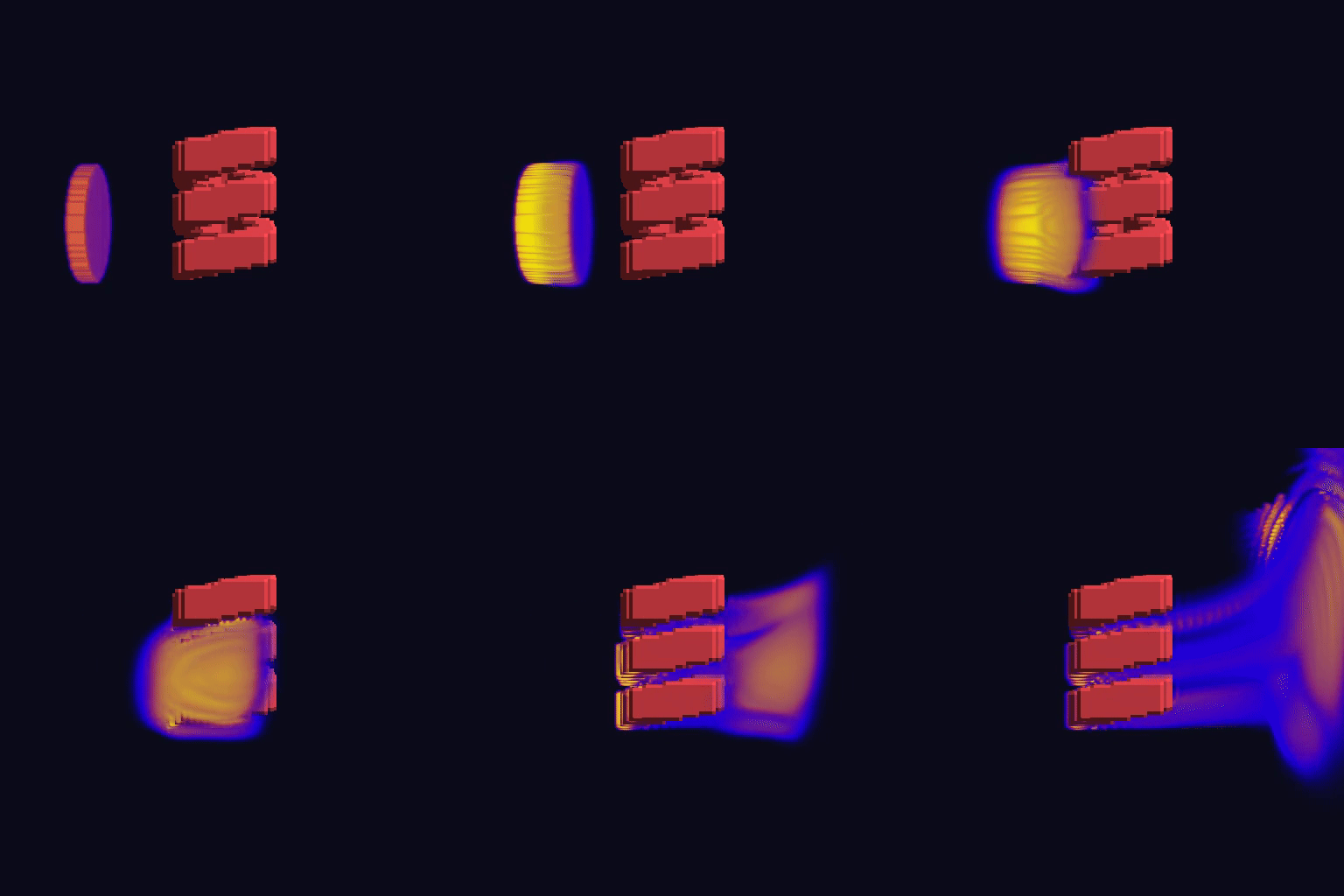
The cyfra-fluids module implements a full 3D Navier-Stokes fluid solver using GExecution pipelines. Each simulation step chains multiple GPU programs: forces, advection, diffusion, pressure projection, and boundary conditions. The GPipeline in this example is built from over 100 GPrograms.